Connected devices: the trap of the over-featured watch
Hello there, it’s Gérald. A smartwatch is only really useful if its features meet your needs and remain easy to manage.
Fully featured models promise to track everything, from sleep to calls. But too many features can quickly reduce battery life, multiply notifications, and make everyday use more complicated.
What to do right away
- List your actual needs: sports, health, navigation, or notifications.
- Check compatibility with your phone before buying.
- Compare the advertised battery life with the features you’ll use every day.
- Check the privacy settings and how personal data is handled.
- Try out the menus in a store or watch demonstrations before choosing.
If you’re new to connected devices, this guide to choosing a smartwatch for beginners can help you narrow down your options. To set a budget without paying for unnecessary features, also check out this selection of affordable smartwatches.
The pitfall of a smartwatch that tries to do everything
A smartwatch can measure activity, track sleep, display calls, play music, and offer apps. Yet every option adds settings, alerts, or data exchanges to understand.
For example, Camille mainly wants to track her walks and see important calls. After buying a fully featured model, she receives alerts from several apps and has to recharge her watch almost every night. The problem isn’t how many features are available, but which ones stay enabled without being useful.
When features get in the way
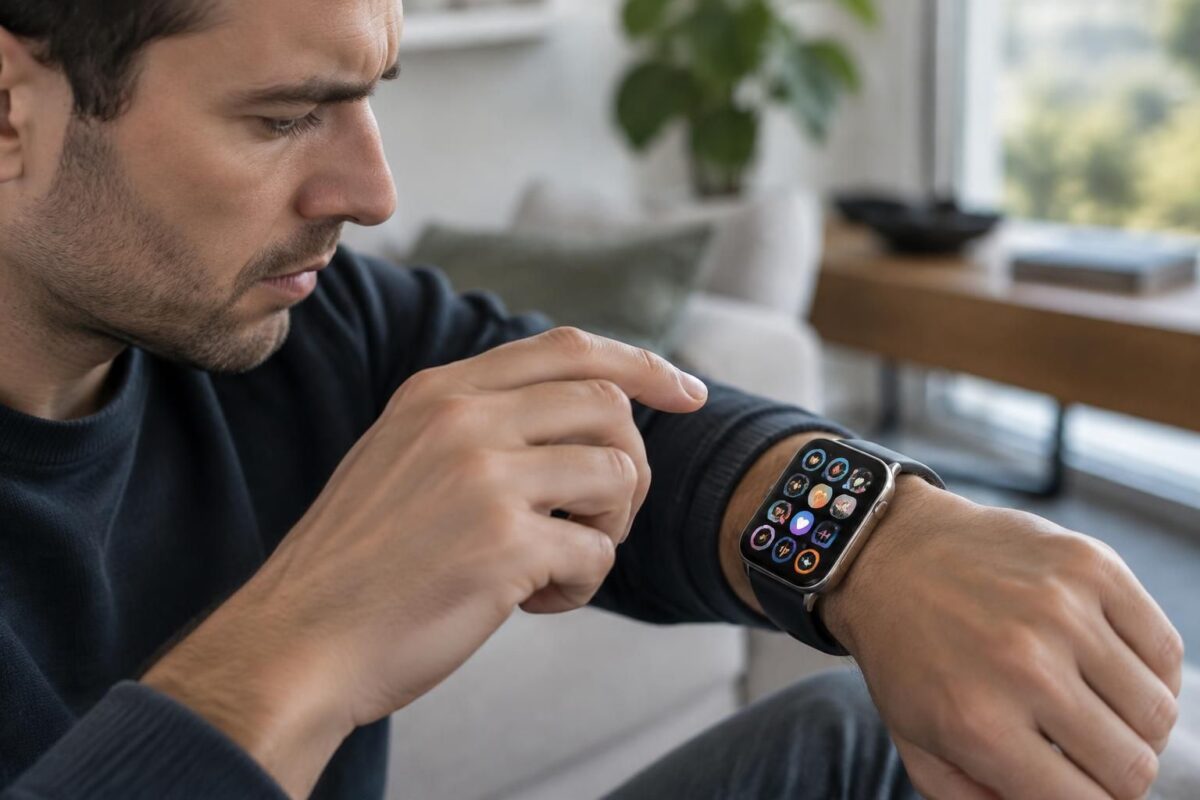
Technology overload often becomes apparent after a few days: the menus seem confusing, notifications interrupt quiet moments, and battery life drops faster than expected. Sensors and tracking features also demand your attention, even when you don’t need to check that information.
Digital monitoring also deserves careful thought. A watch can collect personal data related to activity or sleep: check what is recorded, where it is stored, and which sharing options are enabled.
Too many features or useful ones: finding the right balance
A feature isn’t inherently unnecessary. It becomes unnecessary if it complicates your everyday life, drains the battery, or collects data without meeting a specific need.
| Feature | Useful if… | Check |
|---|---|---|
| Notifications | You want to filter important calls and messages. | Can you disable alerts for each app individually? |
| Sleep tracking | You regularly review these trends. | Does tracking work without unnecessary data sharing? |
| Built-in GPS | You exercise without bringing your phone. | Does using it significantly reduce battery life? |
| Payments and music | You really plan to use them on the go. | Is setup simple and secure? |
A well-chosen watch isn’t the one that does the most, but the one whose essential features are easy to use.
Choosing a smartwatch without getting overwhelmed by technology
To avoid a bad purchase, start with an ordinary day rather than a list of specifications. If you never run without your phone, built-in GPS may not be a priority; if you only want to filter calls, a clear interface matters more than dozens of apps.
Ease of use also comes down to small tasks: setting an alert, checking a reading, or extending battery life. If these actions take several menus, you may end up ignoring features you’ve already paid for.
A simple three-step method
- Set a maximum of three priorities. For example: fitness tracking, important calls, and several days of battery life.
- Rule out secondary features. Compare models based on compatibility, ease of adjusting settings, and data policies.
- Set up the watch on day one. Turn off unnecessary alerts, limit sharing, and check battery life after a few days of real-world use.
This method helps you avoid confusing technical sophistication with comfort. If you’re unsure, choose the model you can understand and customize with ease.
Frequently asked questions about feature-packed smartwatches
Is a smartwatch with lots of features necessarily a bad choice?
No. It’s a good fit if you actually use its features and the settings remain simple. The pitfall arises when unused features make it harder to use or reduce battery life.
How can I improve battery life?
Turn off secondary notifications, reduce the frequency of certain tracking features, and disable features you don’t use, such as GPS when it isn’t needed.
What personal data can a watch collect?
Depending on the model and settings, it can record information about your activity, sleep, or health. Check the privacy settings and sharing options before syncing your data.
How many features should I prioritize?
Start with two or three essential needs. This guideline helps you compare models without getting distracted by features you won’t use every day.
Thanks for reading! I’d love to hear what you think in the comments. — Gérald