
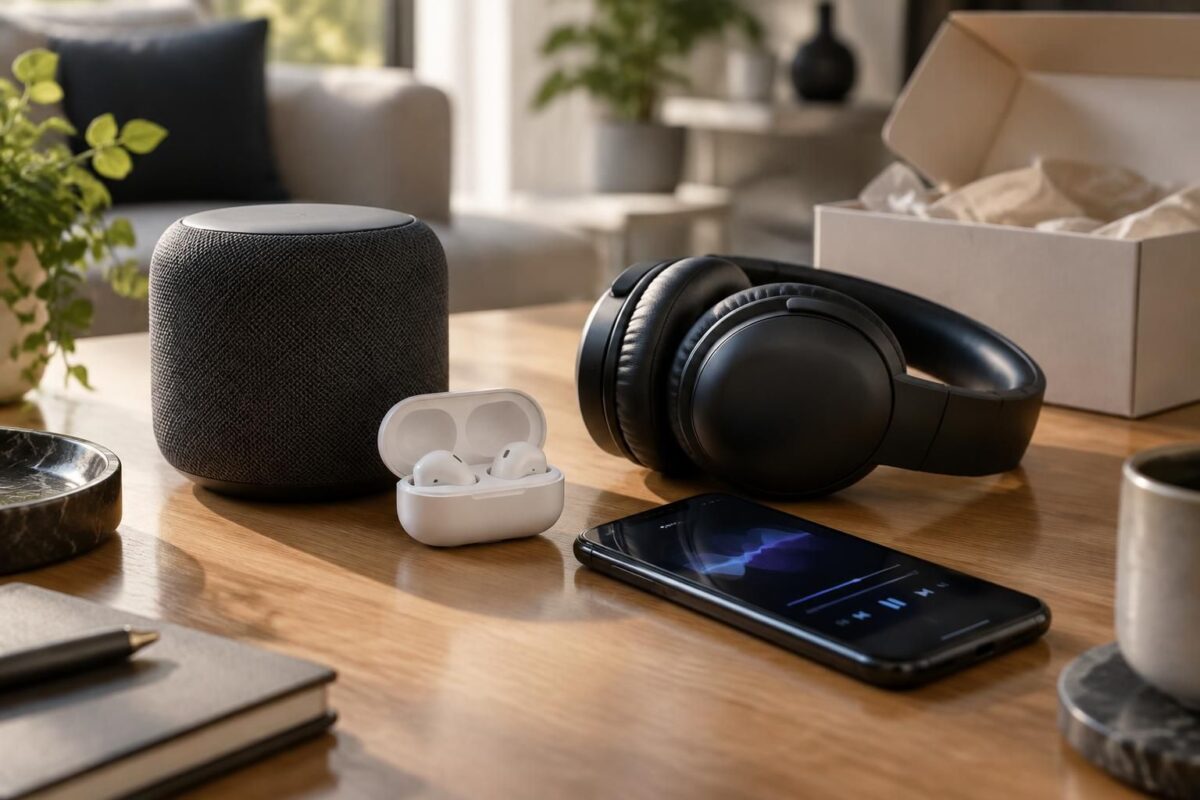
Connected audio devices: a good deal or a clever-looking bad buy?
Hi, Gérald here. Connected audio devices can be a good deal if you compare how you’ll use them, their compatibility and their long-term cost; otherwise, gimmicky features can turn a purchase into a false bargain.
A smart speaker, headphones or earbuds can make everyday life easier and improve your listening experience. But the price tag doesn’t tell the whole story: sound quality, subscriptions, battery life and data collection matter too.
Do this now: 5 checks before buying a connected audio device
- Define a specific use: listening to music, making calls, following workout sessions or controlling devices with a voice assistant.
- Check compatibility with your phone, audio services and smart home ecosystem.
- Compare real-world battery life, comfort and controls, not just the figures highlighted on the box.
- Look out for recurring costs: subscriptions, paid add-ons or features limited to an app.
- Read the privacy settings and update policy before connecting the device.
These habits help you avoid paying for features you’ll rarely use and make a truly smart purchase. To put these criteria in the context of the connected home as a whole, see the guide to useful connected devices for the living room and the advice on fake essentials to avoid.
Connected audio devices: compare how you’ll use them before their performance
The classic trap is choosing the model with the most features. But a speaker that can control your whole home isn’t necessarily the best choice if you mainly want to listen to podcasts in the kitchen.
Imagine Lina, who’s deciding between a smart speaker and smart headphones. She listens to music while working and also wants to set timers by voice: the speaker meets her needs at home, while the headphones are better suited to travel and calls.
Speaker, headphones or earbuds: which device suits your daily routine?
| Device | Best for | What to check before buying | Possible costs or limitations |
|---|---|---|---|
| Smart speaker | Listening at home and voice control | Compatibility with the voice assistant, microphones, Wi-Fi or Bluetooth connection | Voice data collection, related services, dependence on the internet |
| Smart headphones | Work, commuting and calls | Comfort, noise cancellation, battery life and microphone quality | Advanced features only available in the manufacturer’s app |
| Wireless earbuds | Exercise, commuting and listening on the go | Fit, IP rating, battery life with and without the charging case | Battery is difficult to replace and risk of loss |
The right choice therefore depends more on your habits than on the number of options. If you want to listen in several rooms or control devices, also check that your existing services and equipment are compatible.
Sound quality and price: spot the real tech bargain
Price and performance don’t always go hand in hand. A more expensive model may offer better noise cancellation or clearer microphones, but these improvements are only worthwhile if you use them regularly.
To compare sound quality, look for reviews that discuss vocal clarity, bass balance and comfort at moderate volume. Claims like “immersive sound” or “high-resolution audio” aren’t enough to predict how it will sound to your ears, with your phone and your apps.
Hidden costs that change the equation
Wireless headphones or earbuds may come with a free app, while some options—advanced equalizer, spatial audio or audio analysis—require a paid service. Also check whether the main controls work without an account and whether the device remains usable if the app is no longer updated.
For a speaker, ask yourself whether voice controls genuinely make things more convenient. Having the microphone always on can be useful, but the options for disabling it and deleting recordings should be easy to find.
- Good investment: a device you use often, that’s comfortable and compatible with your services.
- False economy: low price, but disappointing battery life, an unstable app or essential accessories sold separately.
- Useless audio gadget: a flashy feature that doesn’t solve a real need and makes settings more complicated.
A mid-range or previous-generation model may offer a better balance, provided you check its warranty, software support and the availability of parts or batteries. The best bargain isn’t necessarily the cheapest one: it’s the one that remains useful without surprise costs.
Voice assistant and privacy: stay in control of listening
A smart speaker may process voice commands and usage data. Headphones or earbuds, meanwhile, may ask for access to your microphone, location or contacts. These permissions should match a feature you actually want to use.
During initial setup, turn off unnecessary permissions, review the personalization options and find out how to mute the microphones. For calls, also check whether the device clearly indicates when a listening or recording feature is active.
Compatibility deserves the same scrutiny: a product advertised as universal may reserve certain controls for a particular voice assistant or app. An update can also change the available features. A well-documented device that is still supported is therefore often a more durable choice than a model packed with new features but left without support.
Choose a connected audio device in 3 steps
- Write down your main need and where you’ll use the device. A living-room speaker, commuting headphones and exercise earbuds have different requirements.
- Compare three practical criteria: comfort, battery life and sound quality. Add an IP rating for exercise or outdoor use, as well as compatibility with your phone and services.
- Calculate the cost over two years, including subscriptions, accessories and possible replacement costs. Then check for updates and review the privacy settings.
This approach rules out useless audio gadgets and refocuses your choice on the everyday experience. If a feature doesn’t serve your needs, it doesn’t justify a higher price on its own.
Frequently asked questions about connected audio devices
Does a smart speaker work without the internet?
Bluetooth may let you stream audio from a phone without an internet connection, depending on the model. Voice commands and some online services generally require a connection.
Does a smart headset always improve sound quality?
Not necessarily. Smart features add controls or settings, but sound reproduction also depends on the drivers, fit, audio source and equalization.
How do you choose wireless earbuds for exercise?
Look for a secure fit, sweat resistance indicated by an IP rating and enough battery life for your workouts. Also check that the controls are easy to use while moving.
Should you pay more for a voice assistant?
Only if voice commands are genuinely useful to you. Compare the available features, compatibility with your services and privacy options before paying extra.
Thanks for reading! Feel free to share your thoughts in the comments. — Gérald