
7 Tutorials for Choosing Headphones Without Making a Mistake
Hello, Gérald here.
To choose earbuds without making the wrong call, start with how you’ll use them and compare comfort, battery life, noise cancellation, sound quality, and budget.
A model suited to your daily commute isn’t necessarily the right one for running or back-to-back calls. These seven tutorials give you a simple way to narrow down your options and avoid features you won’t use.
Things to do right away
- Write down your three main uses: music, calls, sports, or commuting.
- Set a budget before looking at product specifications.
- Identify essential features, such as ANC or multipoint connectivity.
- Check the weight, available ear tip sizes, and how securely they fit in your ears.
- Compare the stated battery life with noise cancellation turned on.
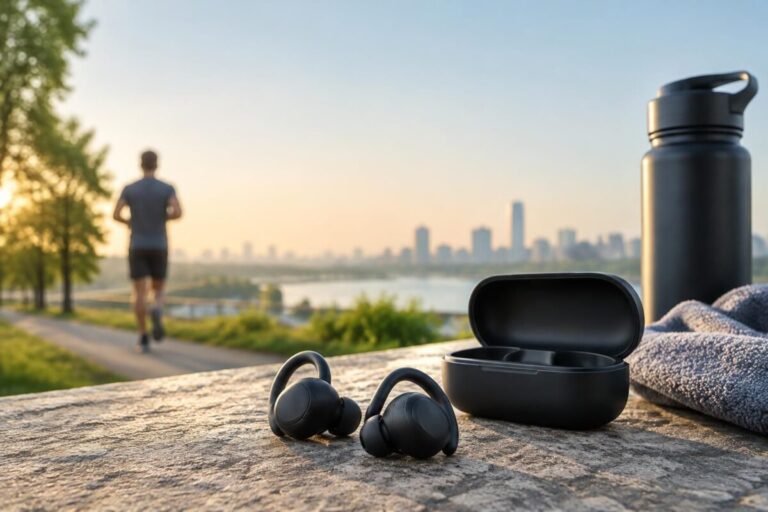
If you run regularly, start with these tips on earbuds suited to running and sports models under 100 euros: the right choice depends first and foremost on your daily routine.
7 tutorials to help you choose earbuds without making the wrong call
1. Define how you’ll use them before comparing models
Think about where you’ll use your earbuds most often. On the subway, ANC can reduce constant background noise; for work calls, microphone quality and transparency mode matter more.
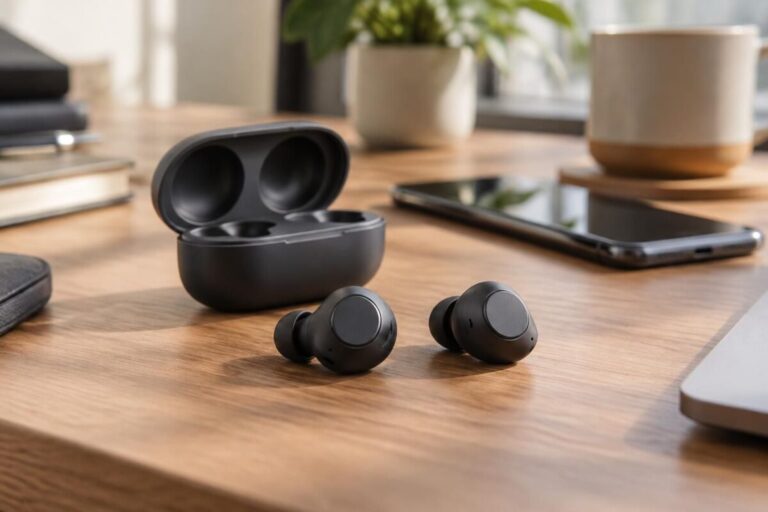
For example, if you switch between working from home and commuting, a model with noise cancellation and multipoint connectivity will be more practical than one designed solely for sports. The best buying guide starts with your habits, not a list of features.
2. Choose a shape that stays comfortable
In-ear earbuds provide better isolation thanks to their ear tips, while open-fit designs feel less enclosing. No style works for everyone: the shape of your ears and how much pressure you feel make the difference.
Try several ear tip sizes and, if possible, keep the earbuds in for about twenty minutes. A good seal also improves bass and noise-cancellation performance; a painful fit, on the other hand, won’t get better after you buy them.
3. Evaluate ANC without relying on claims alone
Active noise cancellation works especially well against steady sounds, such as the rumble of a train or an air-conditioning unit. It is less effective at reducing sudden noises, nearby voices, or announcements.
If you can, test ANC and transparency modes in a busy environment. Decibel measurements aren’t always comparable from one brand to another, so also check independent reviews and how calls actually sound. To learn more about this feature, see this guide to wireless noise-canceling earbuds.
4. Work out how much battery life you’ll actually need
Check the listening time provided by the earbuds themselves, then see how much extra the case can provide. In practice, ANC, volume, and calls can reduce battery life compared with the stated figures.
For commuting and a workday, aim for around 6 to 8 hours per charge if you want to minimize recharging. For travel, focus on the case’s capacity and fast charging: a few minutes plugged in can give you a boost before you leave.
5. Compare sound, call quality, and compatibility
Good sound quality isn’t just about bass or driver size. Look for a balanced sound, and if you make calls often, microphones that keep your voice clear in noisy environments.
Check compatibility with your phone and computer. Standard Bluetooth works with most devices, but some features—such as the app, codecs, or advanced controls—depend on the model you use. A more advanced codec alone doesn’t guarantee an audible difference: the whole audio chain matters.
6. Match your budget to the features you need
Entry-level models may be suitable for podcasts, occasional commutes, and basic ANC. Mid-range models often offer a better balance of comfort, call quality, battery life, and noise cancellation; premium models are mainly worth it if you use these features every day.
Don’t pay extra for a feature you won’t use. A useful comparison separates real needs from marketing claims and checks the warranty terms, especially for the battery.
| Use case | What to prioritize | What to check |
|---|---|---|
| Daily commute | ANC, transparency mode, compact case | Battery life with ANC turned on |
| Calls and working from home | Good microphones, multipoint connectivity, simple controls | Voice clarity in noisy environments |
| Sports | Secure fit and sweat resistance | Protection rating and comfort while moving |
| Tight budget | Secure fit, balanced sound, essential features | Warranty and ear tip availability |
7. Check the fit and durability before you go running
When you’re exercising, earbuds that slip quickly become a distraction. Check that they stay in place while walking, moving your head, and doing a few dynamic movements; also check their protection rating against sweat and moisture.
A model that’s comfortable at your desk won’t necessarily stay secure during a workout. To compare designs and use cases, you can also browse this guide to earbuds and what to look for.
A simple three-step method
- Rank your priorities. Choose the two features that matter most: comfort, calls, ANC, sports, or battery life.
- Rule out incompatible models. Check the fit, compatibility with your devices, the features you need, and your maximum budget.
- Test before deciding. If possible, try the ear tips and controls, then compare reviews that focus on your specific use case.
This method helps you avoid paying for secondary features or finding out too late that the earbuds don’t fit securely. As an Amazon affiliate, the blog may earn a commission on qualifying purchases at no extra cost to you; this does not influence the reviews.
Frequently asked questions about choosing earbuds
How much battery life should you look for in wireless earbuds?
For commuting and a workday, aim for around 6 to 8 hours per charge. If you travel often, also check how many additional charges the case can provide.
Does active noise cancellation block all sounds?
No. It mainly reduces constant noises, such as engines and ventilation, but is less effective at blocking nearby voices and sudden sounds.
How can you tell if earbuds will be comfortable?
Try several ear tip sizes and check that the earbuds stay in place without causing pain. If you buy online, check the return policy and the included accessories.
Are Bluetooth earbuds compatible with all phones?
Bluetooth audio is generally widely compatible. However, some features, apps, or codec options may depend on the phone and operating system you use.
Thanks for reading! Feel free to share your thoughts in the comments. — Gérald